Skip to content
The Rift
A survival RPG for Minecraft

The Rift

A survival RPG for Minecraft.

Play Minecraft as usual, then build on it with classes, gear, and biomes that give every trip a little more to think about.

Minecraft: Java Edition

Copy the address, add it in Multiplayer, and enter when your account is admitted to the server.

57
Skills & Augments
90
Managed creatures
163
Mapped biome keys
The same Minecraft, more to do

Start with Minecraft.Build from there.

Mine, farm, build, explore, and settle in the same world. Classes and progression give you more ways to approach each trip.

Read the terrain

Know what you are walking into.

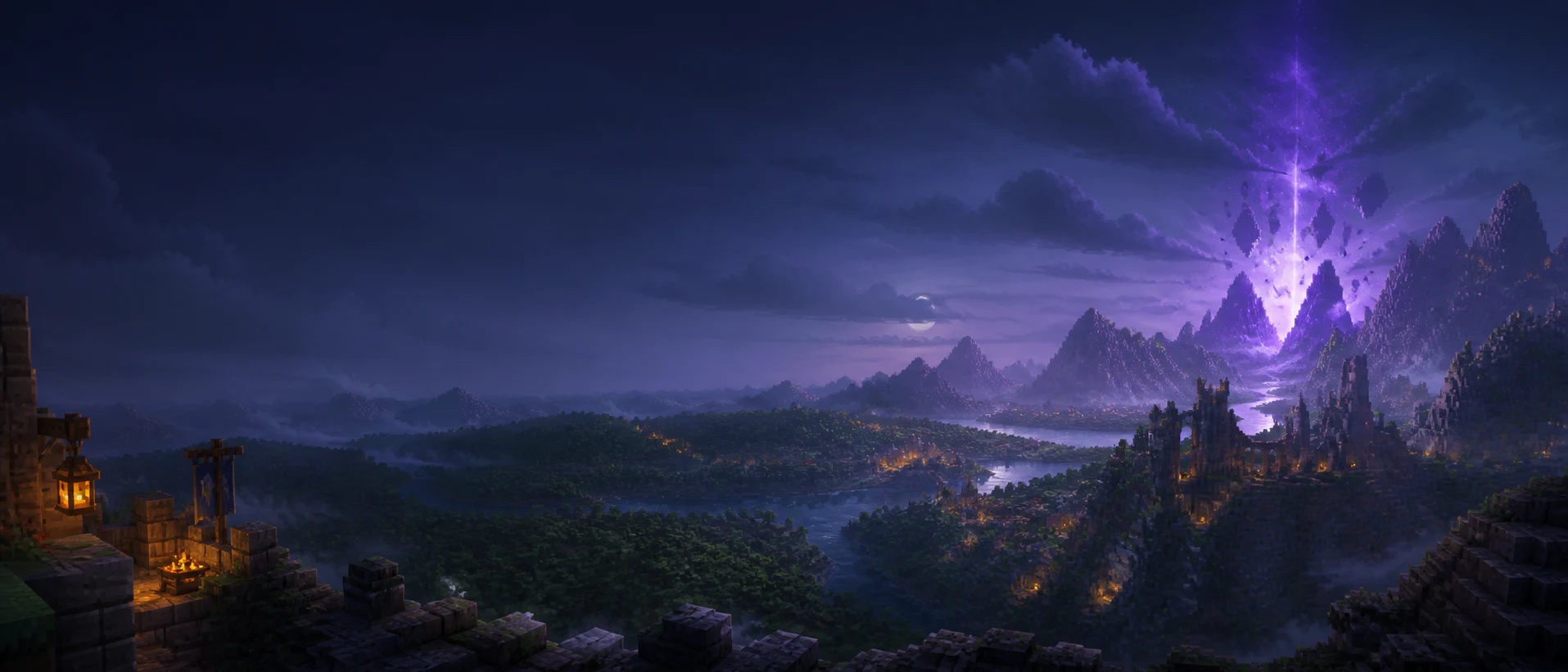
In each standard world, every broad region discovers a shared name and danger band for each biome theme it contains. The Overworld, Nether, and End vary independently. Prepare for the route, find shelter, or take another path.

11 biome themes
Overworld
Lv 150

Each dimension has its own level range, with plenty of room to choose your route.

3 biome themes
Nether
Lv 2550

Each dimension has its own level range, with plenty of room to choose your route.

3 biome themes
End
Lv 5075

Each dimension has its own level range, with plenty of room to choose your route.

The game

More to do, still Minecraft.

A world to play in

Build, explore, and make a place your own.

Mine, farm, travel, build, and settle in a persistent world. Classes and progression add more options without taking away the Minecraft basics.

  • Persistent world
  • Room to explore at your own pace
  • Minecraft gathering and building still matter
Choose how you fight

Your weapon changes your options.

Use Sword, Axe, or Spear Basics, then customize active skills with Augments. Five loadout slots make your choices easy to change and understand.

  • Weapon-specific Basics
  • Core, Utility, and Augment choices
  • Change your build outside combat
Know the terrain

Every biome has its own danger.

Natural creature levels follow the biome you are in, not your level or distance from spawn. Prepare for the route, find shelter, or take another path.

  • Terralith Overworld
  • Biome level ranges
  • A deeper End to explore
Mobs with more to read

Familiar mobs, new encounters.

Creatures keep their Minecraft movement and behavior, with levels, variants, typed attacks, and elite ranks to watch for.

  • Physical and elemental damage
  • Zombie and Skeleton variants
  • Elite ranks you can recognize
Make gear part of the build

Know what your gear is doing.

Weapons, armor, attributes, accessories, and your backpack work together. Item values stay visible so you can compare gear quickly.

  • Item Power you can understand
  • Modifiers that change your build
  • Four accessory slots and a backpack
Play together, your way

Bring friends or go solo.

Helping with a fight counts, and nearby party members can support each other. You can still make progress on your own.

  • Rewards for the help you give
  • Nearby party support
  • Solo progress still counts
Tools for the adventure

Useful detail, when you need it.

See the mechanics
The Rift Warrior skills interface
Buildcraft

Plan a build.

See every skill, Augment, unlock, and mechanic in the wiki.

The Rift equipment tooltip examples
Clarity

Know what you are wearing.

Item tags and final stats make gear comparisons quick.

The Rift combat HUD preview
In the fight

Keep track in combat.

The HUD keeps skills, costs, cooldowns, and Rage in view.

Want the details?

Browse skills, mobs, biome ranges, attributes, and combat rules in one place.